‹ The a-Paw family
Earner app

Track‑a‑Paw

Lost pet? Your neighbours are looking too.

Live on Google Play On Google Play now, free to download: alerts, a live map, sightings, possible matches, shareable alert pages, private messages, report and block, and QR collar tags. iPhone follows.

Vision

No pet stays lost for long, because the whole neighbourhood can help bring it home.

Mission

Help lost pets get home fast with instant local alerts, smart QR tags and sightings, and put part of every plan and tag towards feeding street animals.

Why it exists

A trusted safety app every pet owner keeps installed, earning from protection plans and QR tags while growing the community that also powers Spot a Paw.

Who it’s for: All pet owners (prevention), anyone who finds a pet, local groups, vets and shelters.

Inside the app

Real screens from Track‑a‑Paw

Shown with a sample dog, Biscuit. Every screen can wear one of seven regional skins.
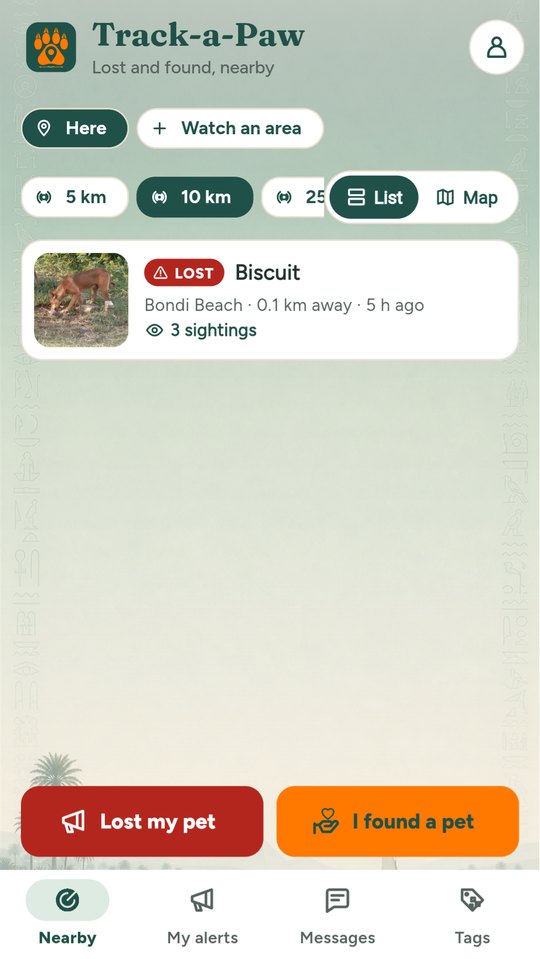
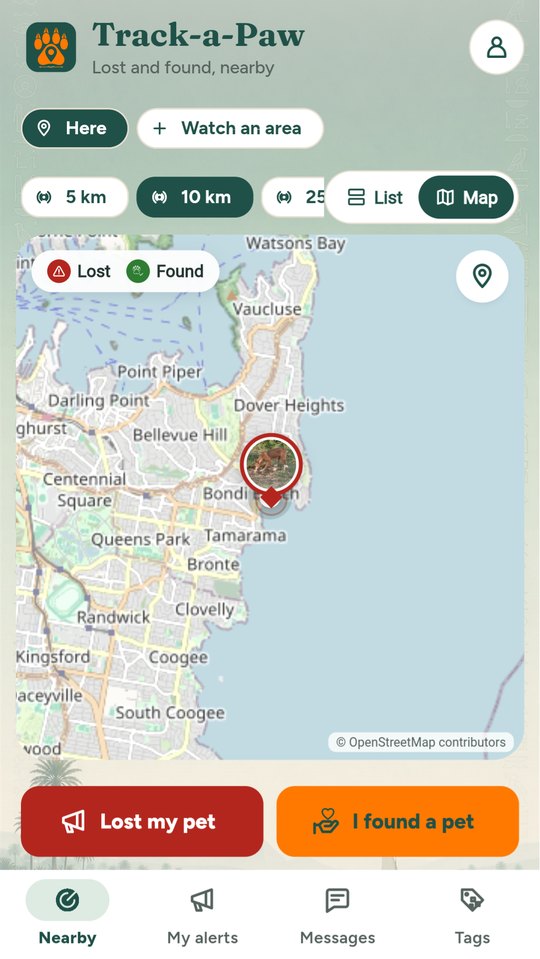
Lost and found pets nearby
The live map
The live map
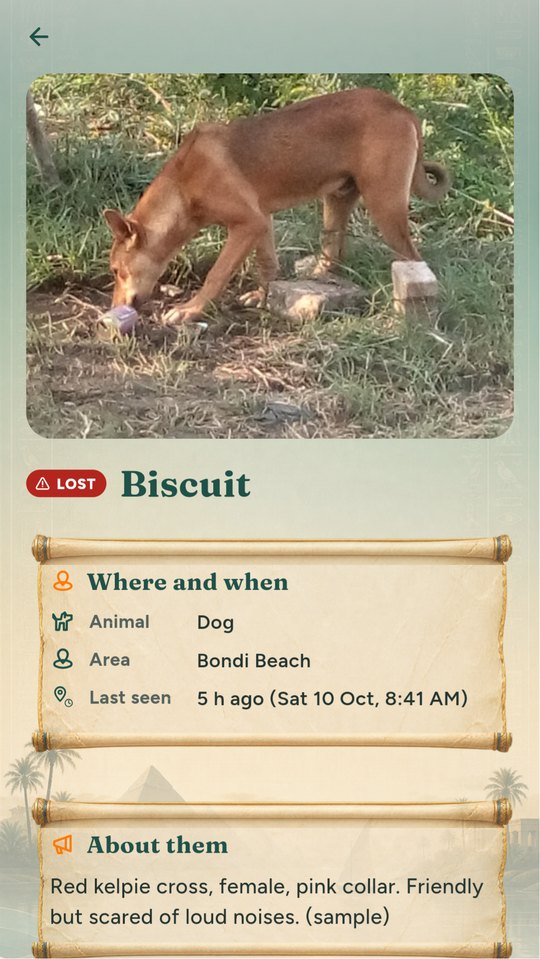
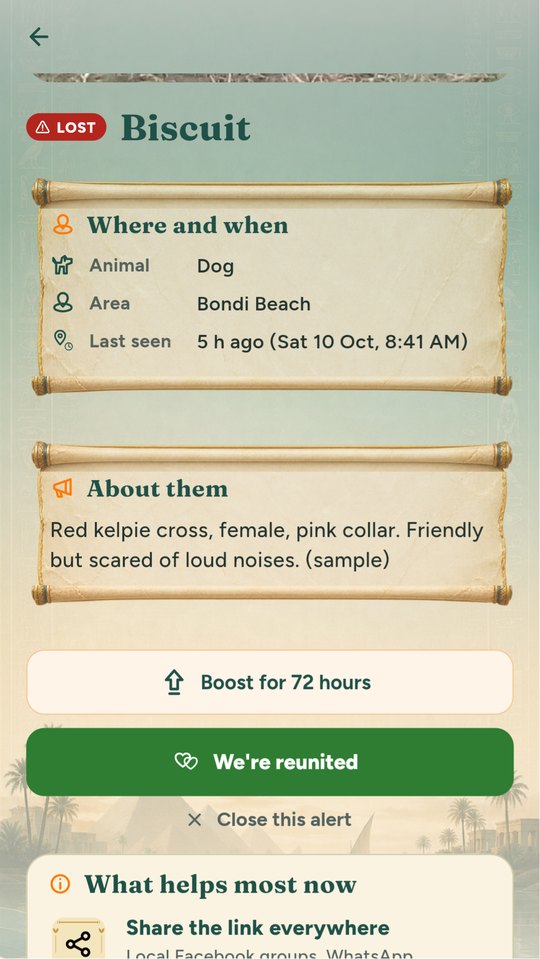
An alert, with what to look for
Every sighting on a map
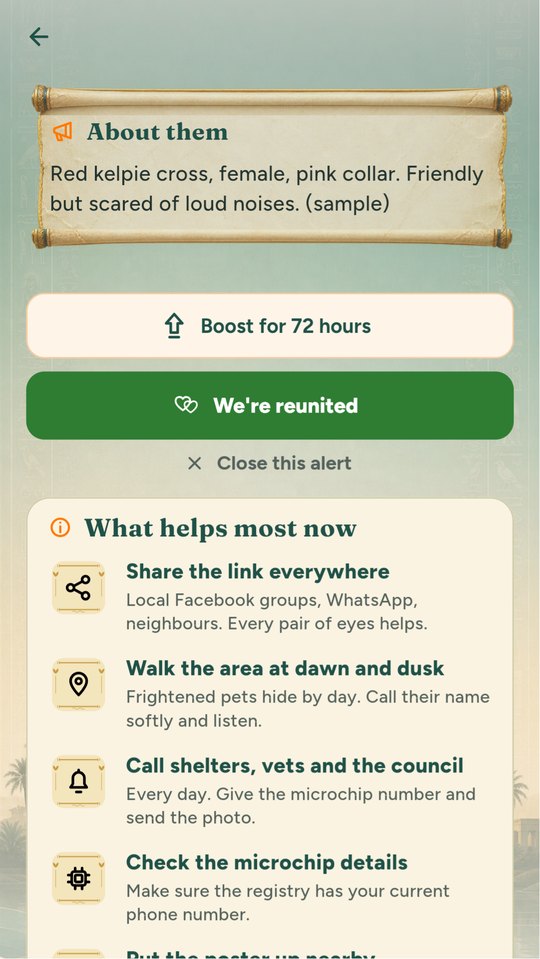
What helps most in the first days
Built and working
  • Possible matches: post a found dog and see lost dogs within 10 km straight away
  • Share a link: anyone can open the alert in a browser and send a sighting, no app needed
  • Every sighting on a map, numbered, so you can see which way your pet is moving
  • Areas I watch: home, work or the park
  • Pets home again nearby: the reunions around you
  • Report and block, so the community stays kind
What it does

Built around real days on the street and at home

Technology and AI

Where AI helps in Track‑a‑Paw

Every line says whether it works today, is coming soon, or is planned.

  • PlannedCompare the photo on a 'found' poster with nearby 'lost' posters and suggest likely matches.
  • PlannedInstant alerts to people nearby when a pet goes missing.
Free

What everyone gets

  • Register pets with photo and microchip
  • Post a lost or found alert (small radius)
  • See nearby alerts and report sightings
  • Printable QR poster
Paid

What costs money

  • Protect plan A$3.99/month or A$29.99/year
  • Wider alert radius and instant push to everyone nearby
  • Boosted alert (one-off A$9.99) for 72 hours
  • Smart QR tag A$14.95 (sold on the website): anyone who scans it can contact you without seeing your number
  • Found-pet chat that hides your phone number

Prices are in Australian dollars and set by the store in other countries.

How it helps street animals

10% of Track-a-Paw's net revenue funds meals for street animals from day one, rising to 20% once the a-Paw apps together cover their running costs for three months in a row.

Uses Spot a Paw's map and location tools. Pet details from Care-a-Paw. Street sightings in Spot a Paw can match lost pets.

How the family funds meals

Help & support

Questions about Track‑a‑Paw

Getting started

  1. Download Track-a-Paw from Google Play (or try it in your browser) and sign in with your a-Paw account.
  2. Allow location to see lost and found pets near you; you can also watch areas such as home and work.
  3. Lost your pet, or found one? Tap Lost my pet or I found a pet, add a photo and post. Neighbours nearby see it.

Common questions

Is my phone number or address shown?

No. The alert shows the area only, and people message you inside the app.

How do QR tags work?

Activate a tag with the code on it and choose your pet. Whoever finds your pet scans it and can reach you without seeing your number.

Someone is sending me junk or being unkind.

Report or block them from the message or alert menu. Blocked people can’t message you, and they’re not told.

What does Protect add?

A wider alert radius, a boost for your alert, and more than one alert at a time. You can cancel any time in Google Play.

How do I change my password or email, or delete my account?

In the app: Account, then Manage account. Or on the web at the a-Paw account page. Deleting removes your account and what you added, in every a-Paw app.

How do I contact you?

In the app: Account, then Contact support. A real person reads every message. Or email support@spot-a-paw.com.

‹ Previous

Care‑a‑Paw

All apps

The a-Paw family

Next ›

Snap‑a‑Paw